
Thanks to Ai Accessibility
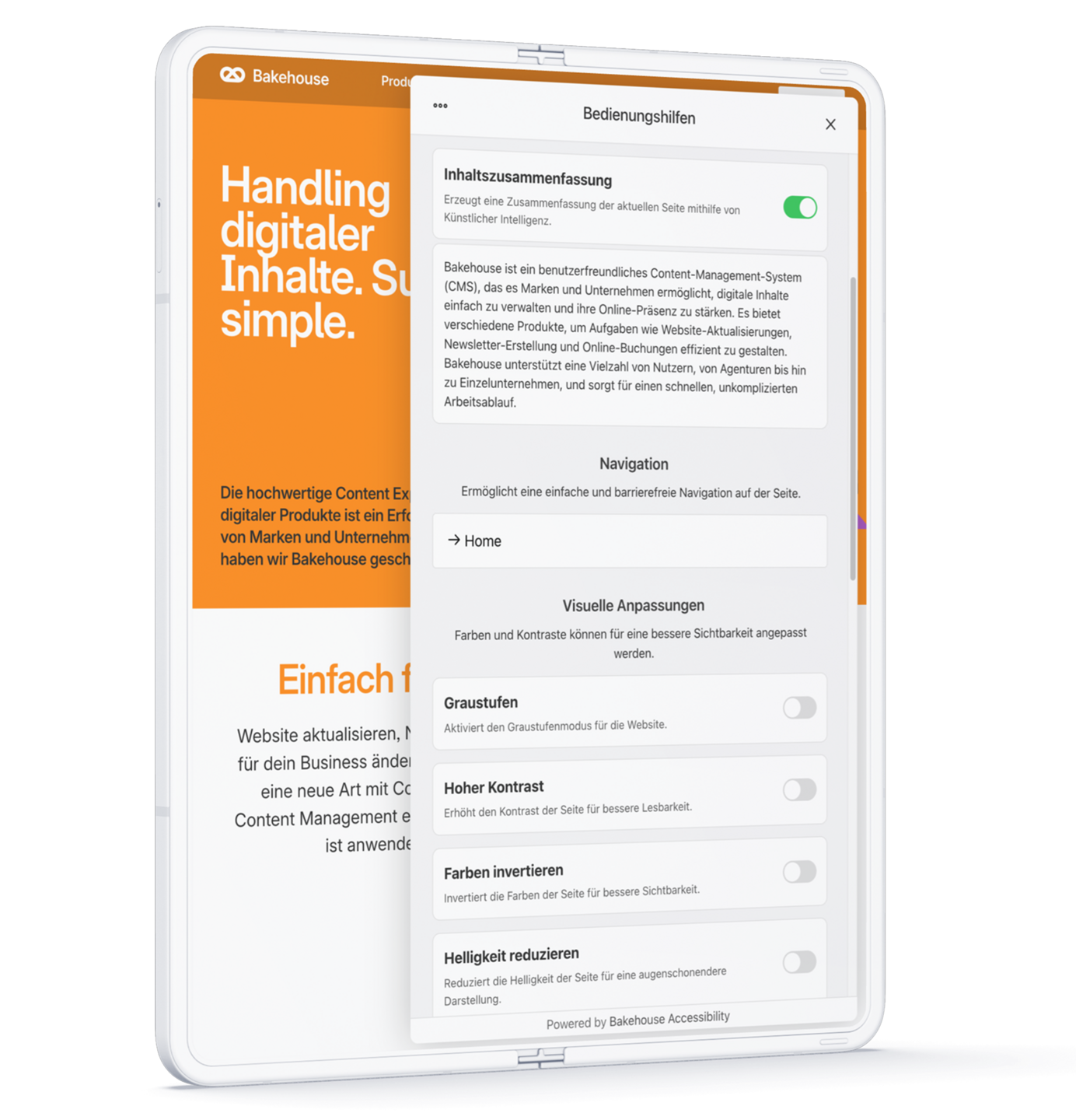
Our AI summarises the content of a page in a few sentences using simple language. The language is automatically detected, and the summary is generated in real time. Translated content is cached on our servers to enable even faster display.
Content summary with Ai
- Summary: The content of the page is summarised in a few sentences.
- Plain language: The words used and sentence structure are kept as simple as possible.
- Language: The language of the page is automatically detected and used for the summary.
- Automatic: The translation is performed in real time and live to ensure it is always up to date.
- Caching: Translated content is cached on our servers to enable even faster responses.
These features make Bakehouse’s AI-based solution not only user-friendly but also technologically one of the most advanced and reliable pieces of software on the market.
Additional Features and Maximum Accessibility
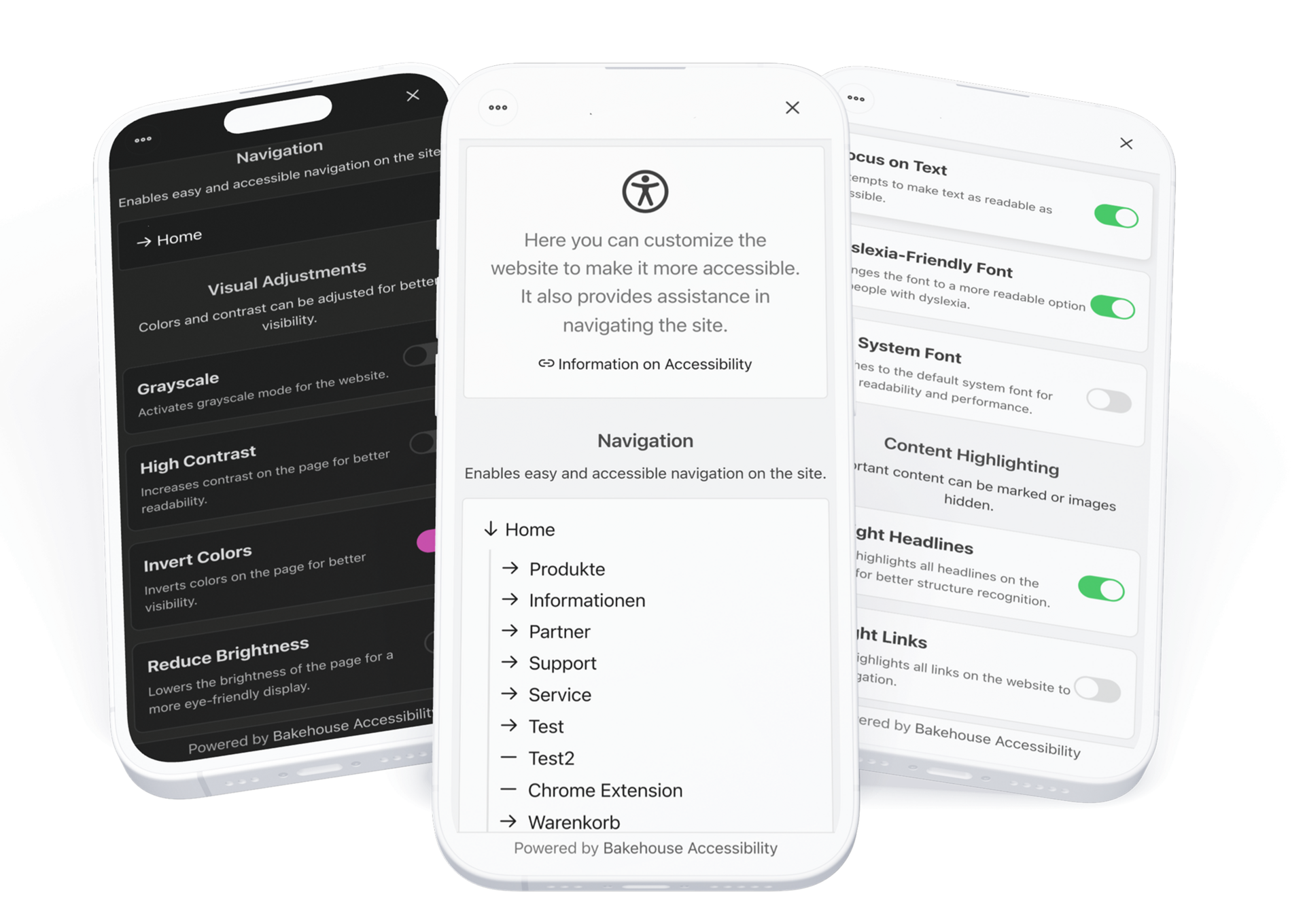
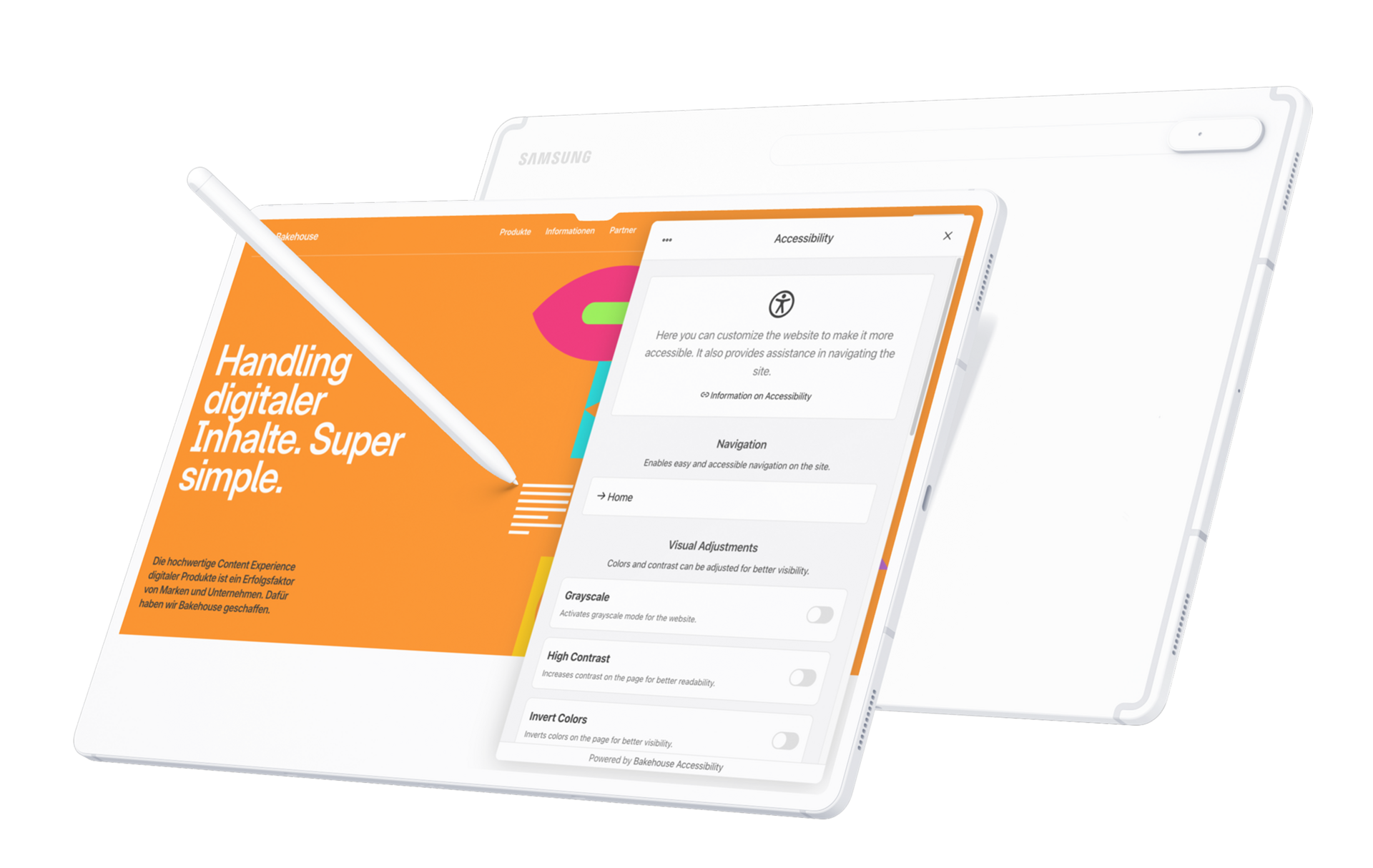
Our widget offers numerous customisation options to make websites accessible to everyone. It includes visual adjustments, optimised navigation and interaction aids, so that everyone can adapt the display to their needs. This ensures the website better complies with EU accessibility guidelines.
Navigation
- Simplified navigation: Optimised control elements for easy use of the website.
- Site map: Provides an overview and targeted navigation through the website’s structure.
- Quick access to the homepage: A fast route to the main page of the website.
- Keyboard operation: Full use of navigation via keyboard.
- Accessibility statement: simple and quick link to the accessibility statement.
Visual adjustments
- Greyscale mode: Reduces colours to shades of grey to minimise distractions.
- High contrast: Increases contrast between text and background for improved readability.
- Invert colours: Reverses the colours of the website to provide an alternative display.
- Reduce brightness: Lowers the brightness of the page for a more eye-friendly display.
- Reduce transparencies: Replaces translucent backgrounds with solid colours to improve readability.
Text optimisation
- Focus on text: Optimises readability by adjusting font and contrast.
- Dyslexia-friendly font: Replaces the default font with a more readable variant for people with dyslexia.
- Use system font: Uses the standard system font for improved display and performance.
Content highlighting & distraction reduction
- Highlight headings: Emphasises all website headings for improved structural overview.
- Highlight links: Clearly marks all links to facilitate navigation.
- Hide images: Conceals all images on the website to reduce distractions.
Accessibility options
- Large cursor: Enlarges the mouse pointer for better visibility.
- Reduce motion: Disables animations and transitions for a calmer display.
- Keyboard operation: Full use of the widget with the keyboard.
- Save settings: The settings you choose are stored permanently.